

Canva Craft is Canva's first AI image generation model built in-house. Released on October 22, 2026, it is designed to compete with image models from Google, OpenAI, ByteDance and Meta. Canva's twist is simple but powerful: instead of learning mainly from photos, the model learned from designs.
How Canva Craft Works
Canva says the model works in two clear stages.
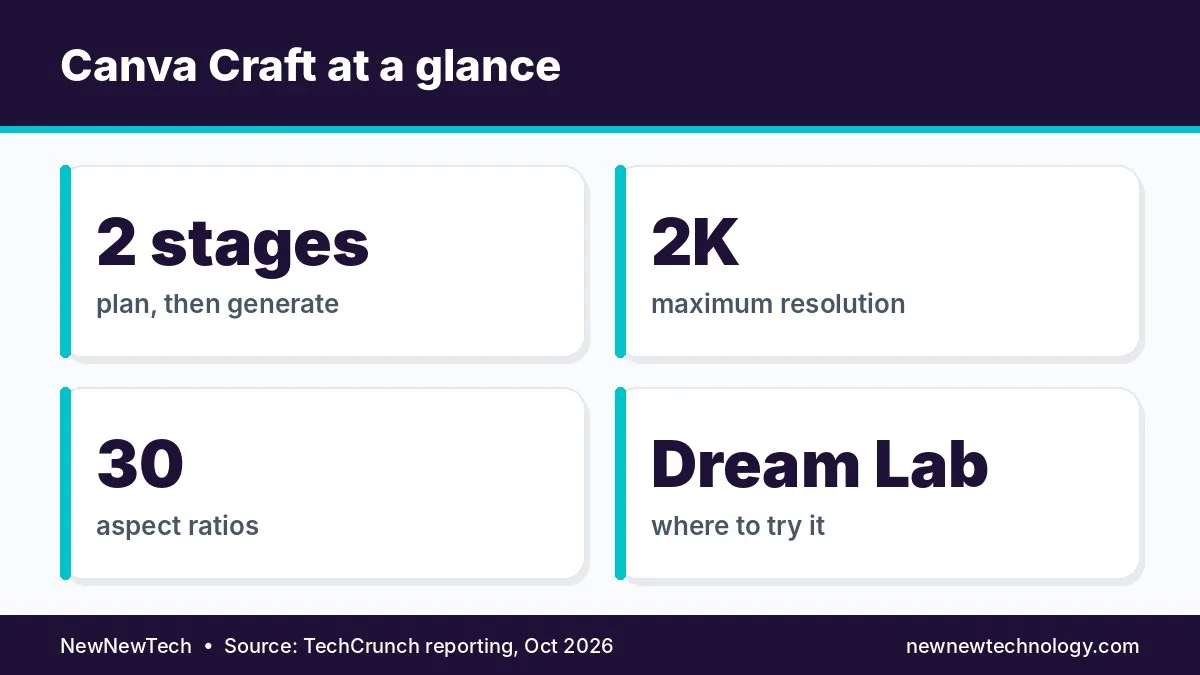
- Planning: It reads your prompt and builds a plan. That plan covers spatial relationships, relative size, visual hierarchy and the text that should appear.
- Generation: It then creates an image up to 2K resolution, in up to 30 aspect ratios for different platforms.
This plan-first approach helps the model place objects accurately and render legible text, a known weak spot for many image generators. Users can also make precise edits without changing the rest of the image.
Trained on Designs, Not Photos
Canva trained Craft on human-designed templates from its own library. That includes posters, social posts, presentations, infographics, menus and typography-heavy layouts. Because of this, images made with Canva Craft can be turned into layered, editable designs using Canva Magic, the company's image-to-design tool.
For marketers and small businesses, this is the real win. You do not just get a flat picture. You get something you can keep editing.
Where You Can Use Canva Craft
- Canva app: available to all users in the Dream Lab tab.
- Canva API: developers can call the model directly.
- Chatbots: Canva plans to support generation inside ChatGPT and Gemini through its MCP.
Why Canva Built Its Own Model
Canva has relied on several outside image models. Owning its own model should help it cut API costs and gain more control over quality and speed. Researchers from Leonardo.ai, which Canva acquired in 2024, contributed to the work. Two cheaper versions, Craft-fast and Craft-ultrafast, are coming soon.
The business context matters too. Canva was on track for $4 billion in revenue last year, but after it lowered its 2026 growth forecast, outside analysts estimated its valuation fell from $42 billion to $35 billion. A strong in-house model could help margins and growth.
Why It Matters
Most AI image tools are built for striking pictures, not usable marketing assets. Canva Craft targets the everyday needs of small businesses and creators: readable text, correct layouts and editable files. With Canva's huge user base, this could change how millions of people make social posts, flyers and presentations, and it puts more pressure on other image model makers.
Canva Craft vs General Image Generators
| Feature | Canva Craft | Typical image model |
|---|---|---|
| Training data | Human-made designs | Mostly photos and web images |
| Text rendering | Built for legible text | Often inconsistent |
| Editable output | Converts to layered designs | Usually a flat image |
| Aspect ratios | Up to 30 | Usually a few presets |
Our Take
Canva Craft is a smart, design-first entry into a crowded field. If it delivers clean text and editable layers, it could become the go-to image tool for social media managers and small brands. It is one of several notable launches this week, alongside the OpenAI Decisions API.
Find more launches in our AI Model Releases section.