



AI tools can summarize documents, draft emails, analyze spreadsheets, write code, and speed you through routine tasks. But when you use an AI tool for work, another question comes up: what happens to the information you share?
A seemingly innocuous prompt could contain customer details, internal financial figures, employee information, source code, or confidential business plans. The information you provide may be retained, processed by service providers, reviewed in certain circumstances, and otherwise managed in accordance with various retention policies depending on the service and its settings.
Before you upload a file or paste information into a chatbot, good AI privacy practices start with understanding those details.
You don't have to be a cybersecurity expert to make better decisions. Begin with 5 real-world, detailed questions on how an AI tool is using your work data.
Quick Answer: How to Check an AI Tool's Privacy?
Learn the facts before employing an AI tool with workplace data:
How your prompts and uploaded files may be used to train or improve AI models.
How we collect, retain, and delete your information.
Who can access your data and third parties who may process it.
Security controls and administrative settings available.
If the tool meets your company’s policies and any applicable legal or contractual requirements.
If you can’t find clear answers, don’t put any confidential or sensitive work information in the tool until your employer or IT team approves it.
1. Does the AI Tool Use Your Data to Train Its Models?
This is one of the first questions you should ask when evaluating AI data privacy.
AI services sometimes provide different services for personal and business users. Your data-handling policies, available controls, and default settings can differ. Never assume all products from the same provider follow the same rules.
For example, OpenAI says that data from its API platform and from its Business and Enterprise versions of its chatbot are not used to train its models by default. Google also refers to data protections for applicable Google Workspace customers using Gemini. These policies apply to specific products and arrangements, so verify the terms to determine the specific service and account you intend to use.
Business Privacy of Data
Business Data Privacy.
Google Workspace Gemini Business FAQ.
What to watch for
Read the provider’s official privacy documentation and look for clear descriptions of:
Train the model and enhance the product.
Depending on your account type or settings, using data may be required.
Feedback submission and its effect on your content.
Control of data-sharing settings by administrators?
What if different features have different data-use policies?
Don’t accept a statement like “your data is safe” at face value; look for the specific rules that apply to your account.
What if the policy is ambiguous?
Don't paste sensitive information into the tool to see what it does. Have your IT or Security team review the policy or contact the provider for clarification.
Practical rule: If you are not sure sensitive work data can be used to train the model, don't send it until you have a clear answer.

2. How Long Does the Tool Retain Your Prompts and Files?
A privacy policy might outline how information is used without clearly stating retention details. That’s why you need to check how long the service keeps your prompts, uploaded files, generated responses, and related records.
Data retention matters because deleting a conversation from your screen doesn't instantly delete every record of that conversation from every system. Deletion depends on backups, security logging, legal requirements, and other product-specific processes.
Retention and deletion policy review
Seek answers to these questions:
Do prompts and uploaded documents get stored automatically?
Can you delete specific conversations/files?
How long are deleted items held before permanent deletion?
Are technical logs maintained separately from security logs?
Does the provider have custom retention controls for business customers?
What happens to your information when your account is deleted?
For example, OpenAI’s API documentation describes the different types of data that are stored, such as abuse-monitoring logs and application state. Retention rules may vary according to the product, feature, and applicable controls. See the OpenAI API data controls documentation for details.
Why it’s important at work
Imagine you uploaded an internal sales report to generate a summary. The report includes customer names, contract amounts, and future business plans.
Even if the AI creates a helpful summary, you still need to know how it handles the original file, whether it remains available in the conversation history, and what deletion options are available.
A good rule of thumb is to know how and how long a work document will be used before uploading it.
3. Who Can See Your Information?
An AI tool could process your information across multiple systems. Depending on the service, access to the service may be granted to authorized provider employees, your organization’s administrators, connected applications, or third-party service providers.
That doesn’t mean all of these parties automatically have access to every conversation. The key is to understand the actual access rules and avoid assumptions.
Review permissions to access
See if the provider will explain:
Who in your organization can view conversations or uploaded files.
Whether administrators can control accounts, integrations, or retention settings.
Whether human reviewers can access content under certain conditions.
What third-party providers process data and when.
How shared links, connected apps, and collaboration features impact access.
Review any integrations you enable, too. An AI tool integrated with email, cloud storage, a customer relationship management system, or a project-management tool may handle data differently than a stand-alone chatbot.
Caution with connected applications
Imagine you connect an AI assistant to your company drives, and it begins summarizing project documents. Check the permissions you asked for before you allow that connection.
Does the assistant have access to all the files or only one folder? Can it access information from other teams? Can it read data? Can it do things?
Keep permissions as limited as possible and use administrator controls if available.
Rule of thumb: Base trust on transparent access controls, limited sharing, and appropriate oversight—not just the provider's reputation.
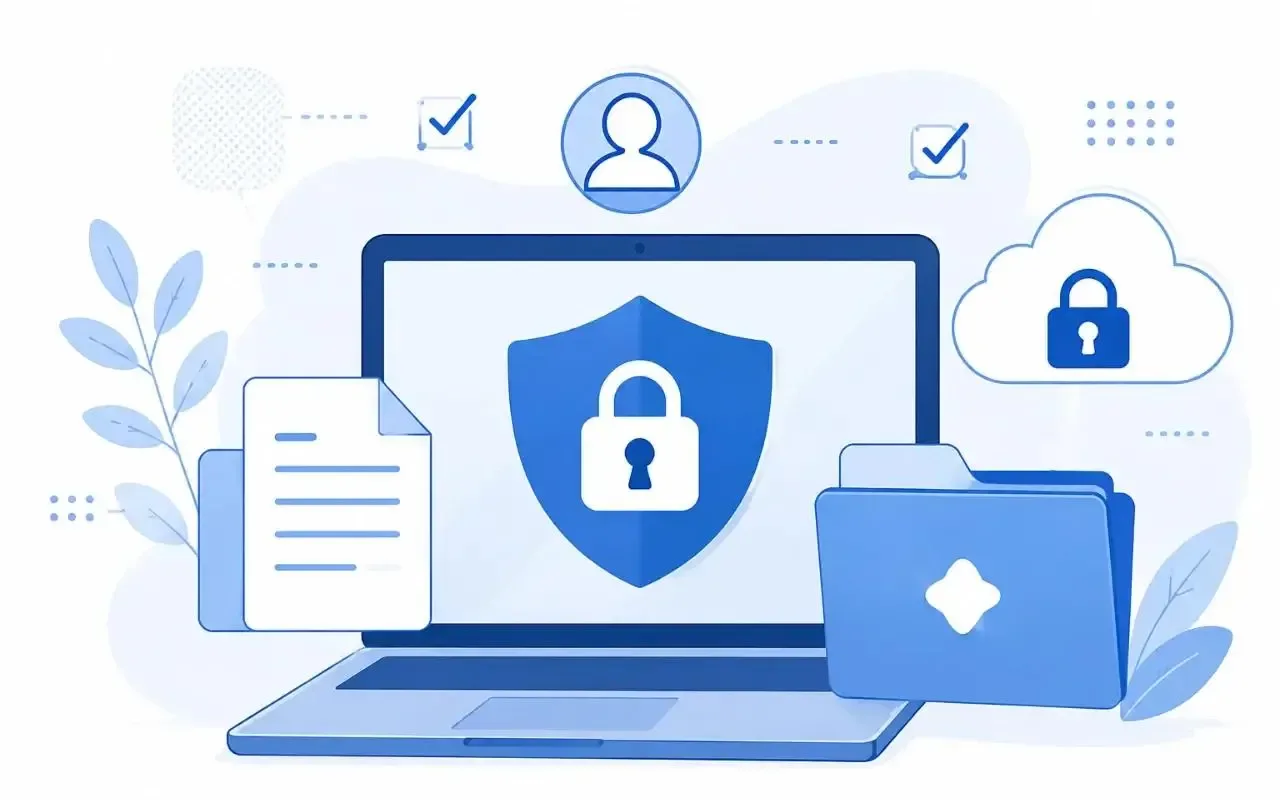
4. What Security Protections Does the Provider Provide?
Related, but not the same thing, privacy and security. Privacy concerns the collection, use, sharing, and retention of information. Security is about the safeguards that protect that information from unauthorized access, disclosure, alteration, or loss.
A service may claim strong security measures, but you should still assess whether those measures are appropriate for your organization.
Seek meaningful controls for security
Controls that may be useful depending on the product and your organization’s risk appetite include:
Data encryption in transit and at rest.
Multi-factor authentication and single sign-on (SSO).
Role-based access control.
Administrative controls for approved tools and integrations.
Activity monitoring or audit logs.
Procedures for security incident reporting and response.
Proof of independent security testing or relevant certifications.
Don’t take a single certification or security statement at face value as proof that the tool is right for all kinds of work data. Check the provider’s claims, the scope of the service covered, and its limitations.
The National Institute of Standards and Technology (NIST) has a framework organizations can use to think about AI risks, including security, privacy, accountability, and reliability. Start with its AI Risk Management Framework as a good place to begin developing a structured review process.
Match the information with the safeguards
You may not need the same level of review for a public blog intro as you would for a tool that handles customer records or sensitive financial documents.
Your company may have a formal vendor assessment process, a business agreement, specific retention terms, or require its security and legal teams to sign off on sensitive information.
Practical Takeaway: Look at the protections for the specific plan and use case, not just the brand name.
5. Does the Tool Meet Your Company’s Rules and Legal Requirements?
Just because an AI vendor has strong privacy and security controls doesn't mean every use of the tool is appropriate.
Your employer may have policies around approved AI services, confidential information, customer data, intellectual property, or the use of outside apps. Contracts and applicable privacy laws may also limit how certain information can be processed.
Check before sharing sensitive or controlled information
Before you use an AI tool with information from your workplace, ask:
Does your company approve this tool for business use?
Does your organization allow the uploading of the relevant category of data?
Are there any contractual limitations to sharing the information with outside providers?
Does the proposed use trigger privacy or compliance requirements?
Who has to approve the tool or the data-processing configuration?
It depends on the industry, location, type of data, and intended use. Additional safeguards may be needed for information subject to specific health, financial, employment, or contractual obligations. If requirements are unclear, please involve your organization’s privacy, legal, or security teams.
Use as little information as possible
Frequently, you can obtain useful AI assistance without uploading an entire document.
You can upload an excerpt of a customer report with identifying details removed instead of a full customer report. Instead of using an internal project name, you can use a neutral placeholder. Instead of uploading a full database, you can work with a small approved sample.
But simply removing names does not guarantee anonymity. Other information might still identify a person or disclose confidential business information.
Practical rule: Use the minimum sensitive information needed to do the job and follow your organization's approval process.

A Simple AI Privacy Checklist for Use in Your Work
Use this checklist before you submit a work prompt, upload a file, or connect an app.
| Verify | What to verify |
|---|---|
| Data Usage | I understand whether my content can be used to train or improve models. |
| Retention | I understand the storage and deletion rules that apply. |
| Entry | I know who has access to the info and what integrations are involved. |
| Security | Safeguards available are commensurate with the sensitivity of the data. |
| Accept Usage | Intended use is in accordance with company policies and applicable requirements. |
| Minimization of data | I edited out any extraneous sensitive details as needed. |
If you’re not 100% sure about your answer to one of these questions, stop and look further before you share sensitive information.
Mistakes to Avoid: Standard AI Privacy
Even people familiar with AI privacy can make avoidable mistakes during hectic workdays.
Pasting confidential material into an unapproved chatbot: A personal account might not have the same administrative controls or contractual protections as an approved business service.
Every AI product has its own policy: Different plans, features, and account settings can have different terms.
Uploading an entire file when you only need part of it: Sending more data than necessary increases the amount of data passed around.
If you assume that deleting a chat deletes all records immediately: Check the provider’s actual deletion and retention documentation.
Linking apps without reviewing permissions: An integration might collect more data than it needs to complete its task.
Trusting AI output as automatically trustworthy: Privacy is not the only concern. Before using important summaries, recommendations, calculations, and factual claims in consequential work, check them.
Common Questions
What is data protection in AI?
AI data privacy involves the collecting, processing, storing, using, sharing, and deleting of the information given to or generated by an AI system. This includes safeguarding confidential business information and personal data when using AI tools in the workplace.
Can I safely share company data with AI tools?
It depends on the tool, the account type, the data involved, the controls available, and your organization’s policies. Use approved services, and check the relevant data-handling terms before sharing confidential information.
Will AI tools train their models with my prompts?
Some services or account types may allow you to use eligible content to improve models, or provide different defaults or controls. Don’t assume one policy fits all AI tools. Check out the official policy for your product and account.
What are the best ways to secure sensitive data when working with AI?
Use approved tools. Restrict what information you share. Remove identifying information, as appropriate. Check access permissions. Follow your organization’s data-handling policies. Removing a person's name does not automatically make a document anonymous.
What to look for in an AI privacy policy for a business
Learn how models are trained, what data is kept and deleted, who can access it, whether data is shared with third parties, what security controls are in place, and what administrative settings are offered. Businesses should also consider the sensitivity of the information they will be processing and the contractual obligations they will be subject to.
Just because an AI tool has a privacy policy does not mean it is safe.
No. A privacy policy details some aspects of how information is handled, but on its own it does not prove that a service is secure or appropriate for all business use. Where appropriate, review relevant independent evidence, technical safeguards, and contract terms.
Conclusion: Integrate AI Privacy into Your Workflow
AI tools can be helpful workplace assistants, but responsible use is more than picking a popular platform. You should know how your information will be used, how long it may be retained, who can access it, what security protections are in place, and whether your intended use is allowed.
Share work data after answering these five questions. If the answers are unclear, do not send confidential information until you have confirmed the provider’s policies and spoken with the right person in your organization.
This isn’t about getting rid of AI altogether—it is about using AI tools in ways that improve productivity without exposing information unnecessarily.