
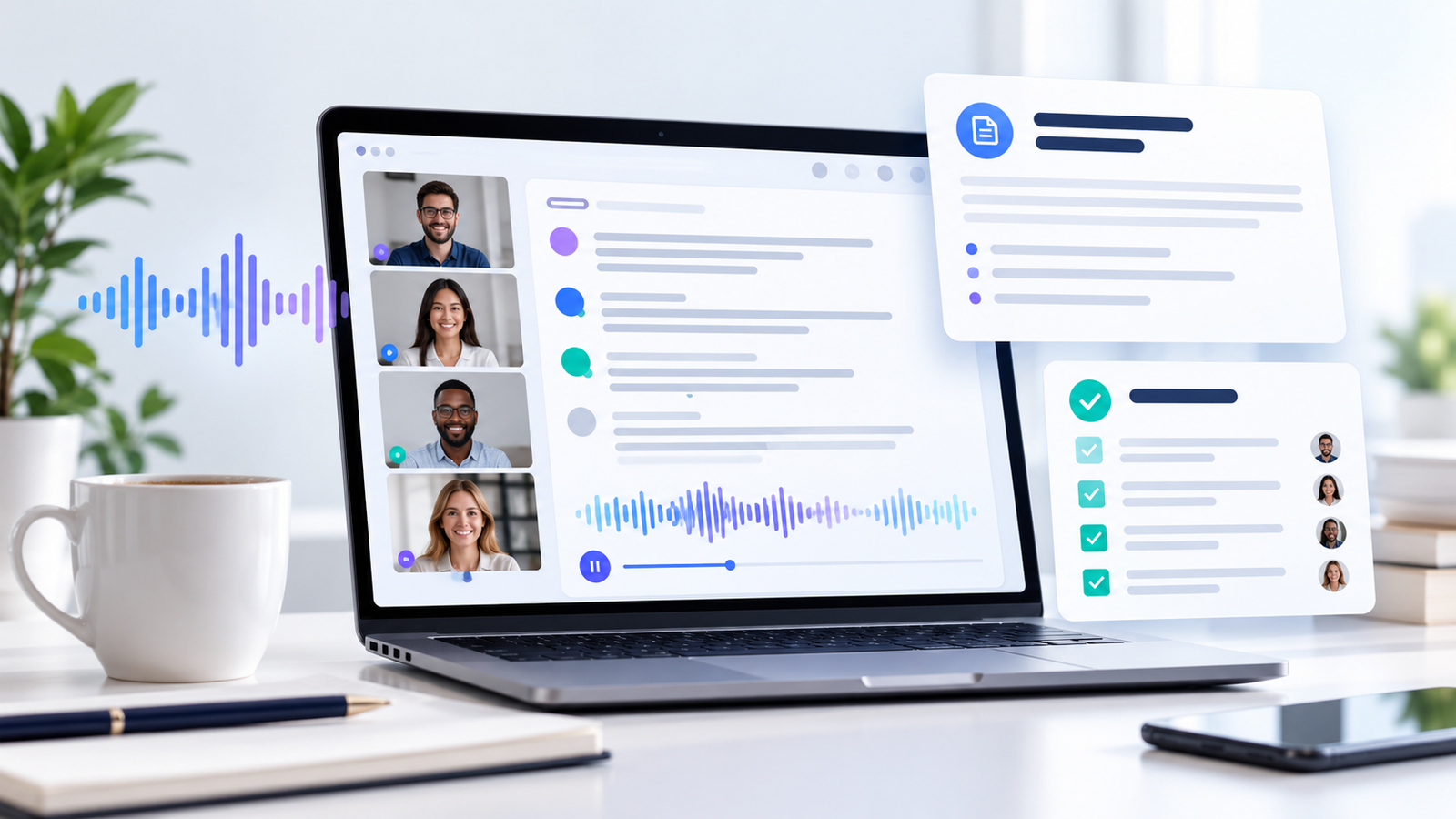
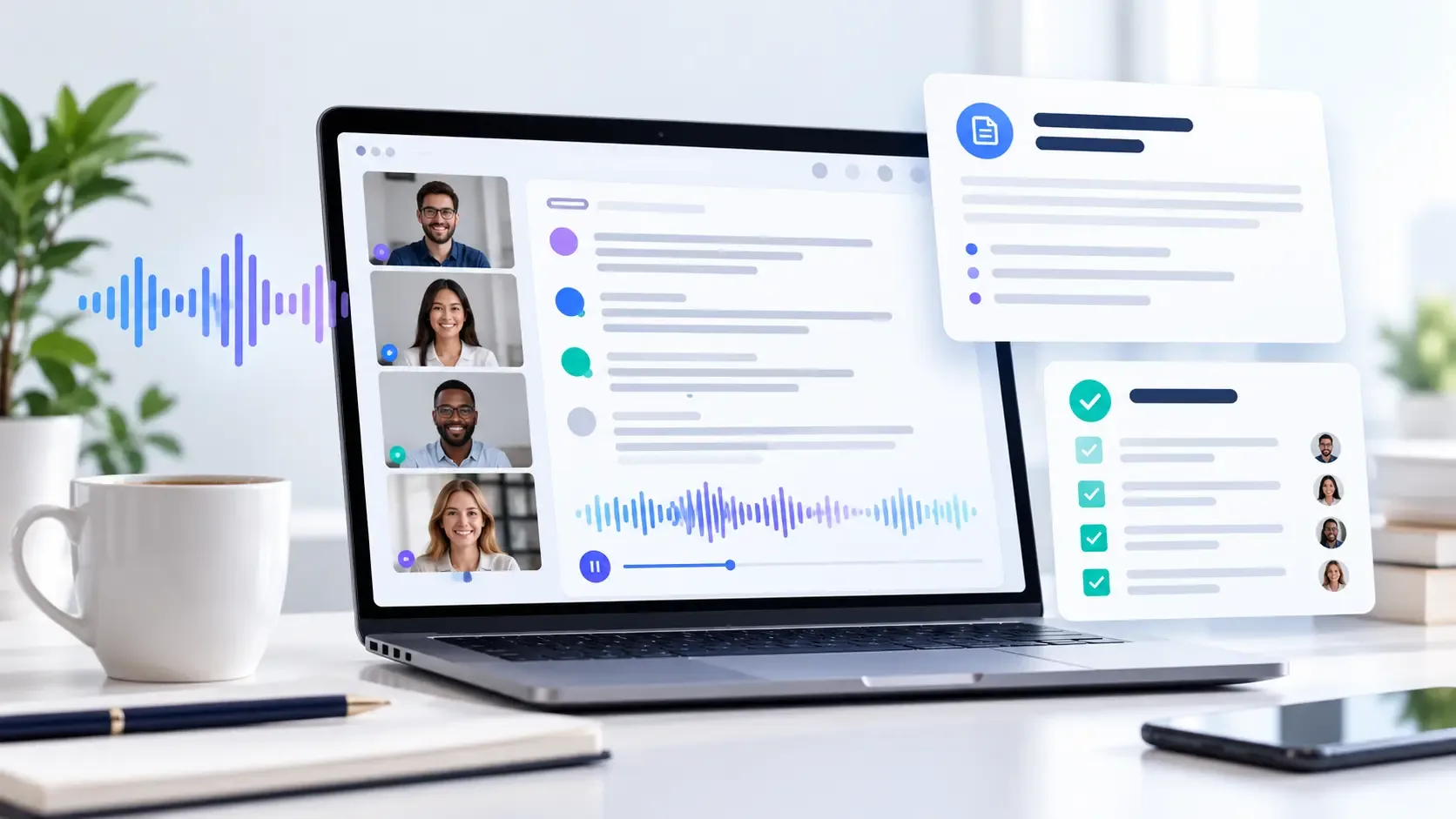
Meetings generate valuable ideas, decisions, and action items, but it can be difficult to keep up with all the details when taking part in a conversation. The best AI meeting note takers can assist by transcribing the discussions, summarising the main points, organising the tasks that need to be followed up on, and making it easier to locate the important information later.
It is not the case that all AI meeting assistants function in the same manner; some are geared towards live transcription, whereas others stress the production of automatic summaries, team collaboration, meeting recordings, or the taking of notes with attention to privacy even without having a visible meeting bot.
The guide looks at seven AI note-taking tools in order to assist you in selecting the one that best suits your workflow, your budget, the meeting platform you prefer, and your privacy needs. The comparison is grounded in information that is publicly available and not based on independent firsthand testing. Since features and the limitations of the plans might change, it is important to check the details before you make a purchase.
How to choose which AI note taker to use?
The tool you need will vary according to your meeting requirements.
- Otter.ai could be suitable for live transcription, for identifying speakers, and for creating searchable meeting records.
- Fireflies.ai is worth considering when it comes to searchable transcripts, AI-generated summaries, and integration with various workflows.
- Fathom offers the possibility of handling meeting recordings, summaries, and follow-up workflows.
- Too long; don't read: Useful for determining whether you need meeting recordings, highlights, and the ability to share.
- Notta is worth considering when it comes to transcription, multilingual workflows, and AI-generated summaries.
- Sembly AI could be a good match for the documentation of structured meetings and for the extraction of action items.
- Granola is an option for those who would like to use AI for note-taking without having a visible meeting bot.
The following are suggestions based on specific use cases, not a confirmed ranking of performance. You should compare the current features, compatibility, pricing, and privacy settings of each tool before making your choice.
Comparison Table: Best AI Note Takers for Meetings
| Tool | Best For | Notable Capabilities | What to Check |
|---|---|---|---|
| Otter.ai | Live transcription | Transcripts, speaker identification, summaries | Transcription-minute limits |
| Fireflies.ai | Meeting search and workflows | Transcription, summaries, integrations | Storage and AI-credit limits |
| Fathom | Meeting recaps | Recording, transcription, summaries | Advanced-feature limits |
| tl;dv | Recordings and highlights | Meeting recordings, summaries, sharing | Plan restrictions and integrations |
| Notta | Transcription and multilingual workflows | AI notes, transcription, translation options | Free-plan duration and limits |
| Sembly AI | Structured meeting documentation | Notes, summaries, tasks, transcript search | Plan and workspace restrictions |
| Granola | Bot-free note capture | Device-audio capture, AI notes, templates | Privacy, retention, and sharing settings |
The capabilities of the product and the limitations of the plan may be altered. It is important to check the details of the current plan before you subscribe.
1. Otter.ai: Best for Live Transcription and Searchable Meeting Notes
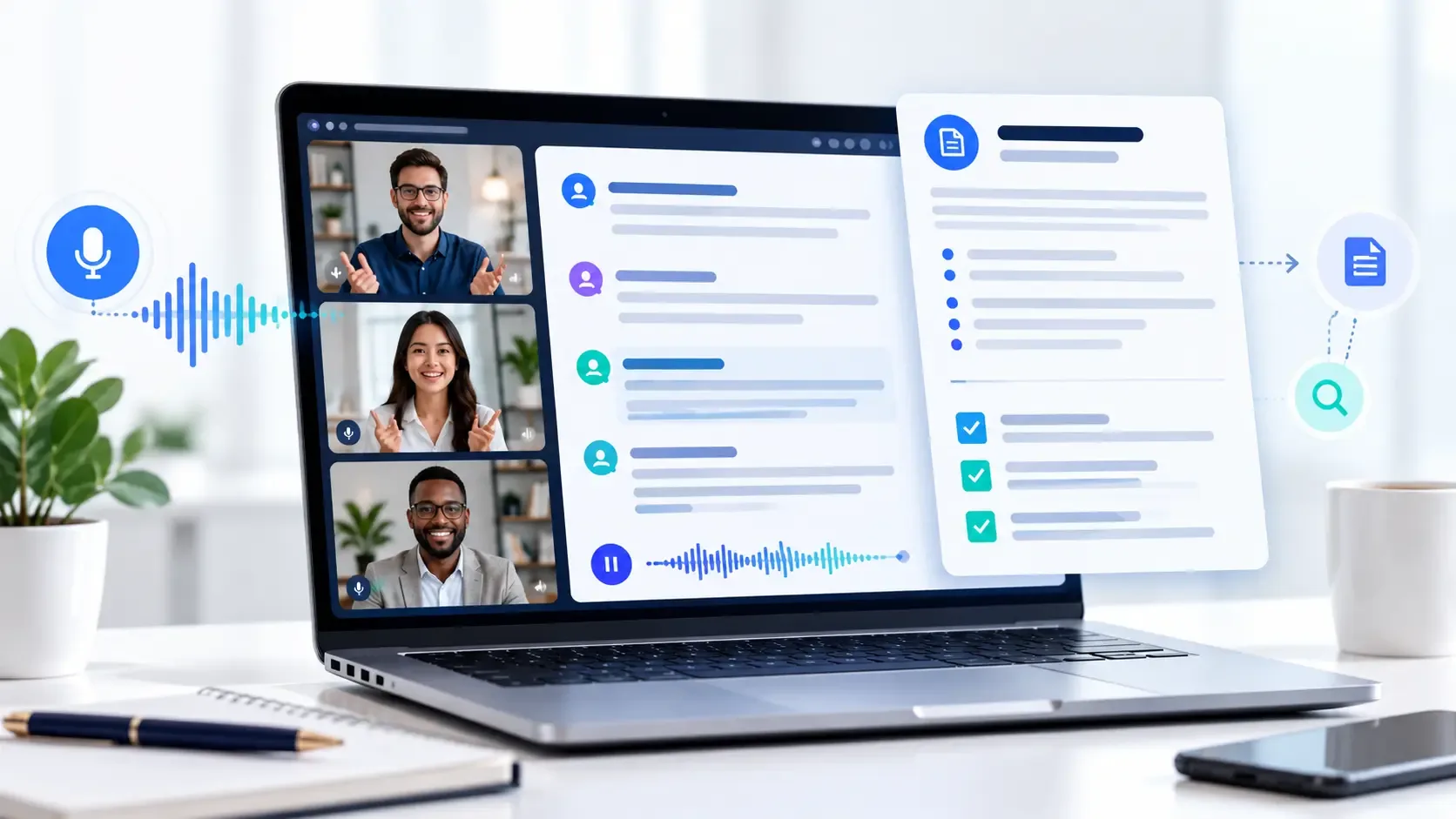
Otter.ai is an artificial intelligence meeting assistant designed to help users record conversations, produce transcripts, and go over the discussions from meetings. The features it offers are live transcription, the ability to identify speakers, AI-generated summaries, and tools for searching through meeting records.
Key Features
- Live meeting transcription.
- To identify speakers in order to tell the participants apart.
- AI-generated meeting summaries.
- Searchable meeting records.
- There are mobile options available for recording and reviewing conversations.
- The ability to integrate with meeting platforms and productivity tools that are supported.
Pricing and Free-Plan Considerations
Otter.ai has a free Basic plan which includes a limited number of transcription minutes and imposes restrictions on imported audio or video files; the paid plans offer greater usage limits along with extra features.
Before you subscribe, make sure you check the current monthly transcription limit, the import limits, and the advanced features that are included in the plan you prefer.
Pros
- Suitable for those who would like to follow a live transcript.
- It is easier to look over earlier discussions when the records are searchable.
- Yes, it can be used to organize recurring meetings and the notes from those meetings.
Limitations
- The limitations associated with the free plan could be a problem for people who have frequent meetings.
- An automated transcription could wrongly interpret names, technical terms, or speech that overlaps.
- A paid subscription might be necessary for certain integrations and for some of the more advanced controls.
Ideal for: Those professionals who wish for live transcription and a structured record of their regular meetings.
2. Fireflies.ai: Best for Meeting Search and Workflow Integrations
Fireflies.ai is concerned with capturing the conversations that take place during meetings and then converting them into searchable records, summaries, and information for follow-up.
The features it offers are meeting transcription, AI-generated summaries, the ability to search conversations, and integrations with supported meeting and productivity platforms.
Key Features
- Transcriptions of meetings and conversations that can be searched.
- AI-generated meeting summaries.
- Action-item and follow-up workflows.
- The ability to integrate with various video conferencing and productivity tools that are supported.
- Features that allow meeting information to be organized within a team.
Pricing and Free-Plan Considerations
Fireflies.ai provides a free plan which has limitations regarding some AI features, storage, and usage, while the paid plans include additional capabilities, the specific allowances depending on the tier selected.
If you need to carry out frequent transcription, have a detailed meeting history, make use of downloads, or require team-wide integrations, be sure to carefully compare the different plans.
Pros
- Good for searching through earlier conversations.
- Teams which wish to connect their meeting notes with other workflows can have this support.
- Allow you to assess the product before paying.
Limitations
- The usefulness of the free plan may be affected by storage limits and AI-credit limits.
- The availability of integration depends on the subscription.
- Any summaries produced by AI should be checked over by a human before important decisions are shared.
Ideal for: sales teams, project managers, and individuals who need searchable records of meetings and interconnected workflows.
3. Fathom: Best for Meeting Recaps and Follow-Up
Fathom is an artificial intelligence meeting assistant which records and transcribes meetings that are supported and then produces summaries in order that they can be more easily reviewed.
The features that are published consist of meeting recordings, transcripts, AI-generated summaries, and the ability to carry out follow-ups. The features available will vary according to the user's account and plan.
Key Features
- Meeting recording and transcription.
- AI-generated summaries.
- There is support for reviewing meetings and carrying out the follow-up workflows.
- The text outlines the ways in which supported productivity and customer relationship management tools can be integrated.
- Features that are intended to cut down the amount of time taken when reviewing long conversations.
Pricing and Free-Plan Considerations
Fathom has a free plan, but advanced summaries and other AI features might be limited. To find out which features are included and whether any monthly limits apply, you should check the current plan details.
Pros
- The free option is something that would be appropriate for people who need their meetings to be recorded regularly.
- Meeting summaries can make it easier to go over lengthy conversations.
- Summaries can assist users in identifying the decisions and the follow-up items.
Limitations
- The limits of advanced features can vary from one plan to another.
- They should make sure that the integrations and administrative controls which they need are available.
- A recap produced by an AI could leave out important context or misstate a decision.
Ideal for: People and small teams who want meeting recordings, transcripts, and brief summaries.
4. tl;dv: Best for Meeting Recordings, Highlights, and Sharing
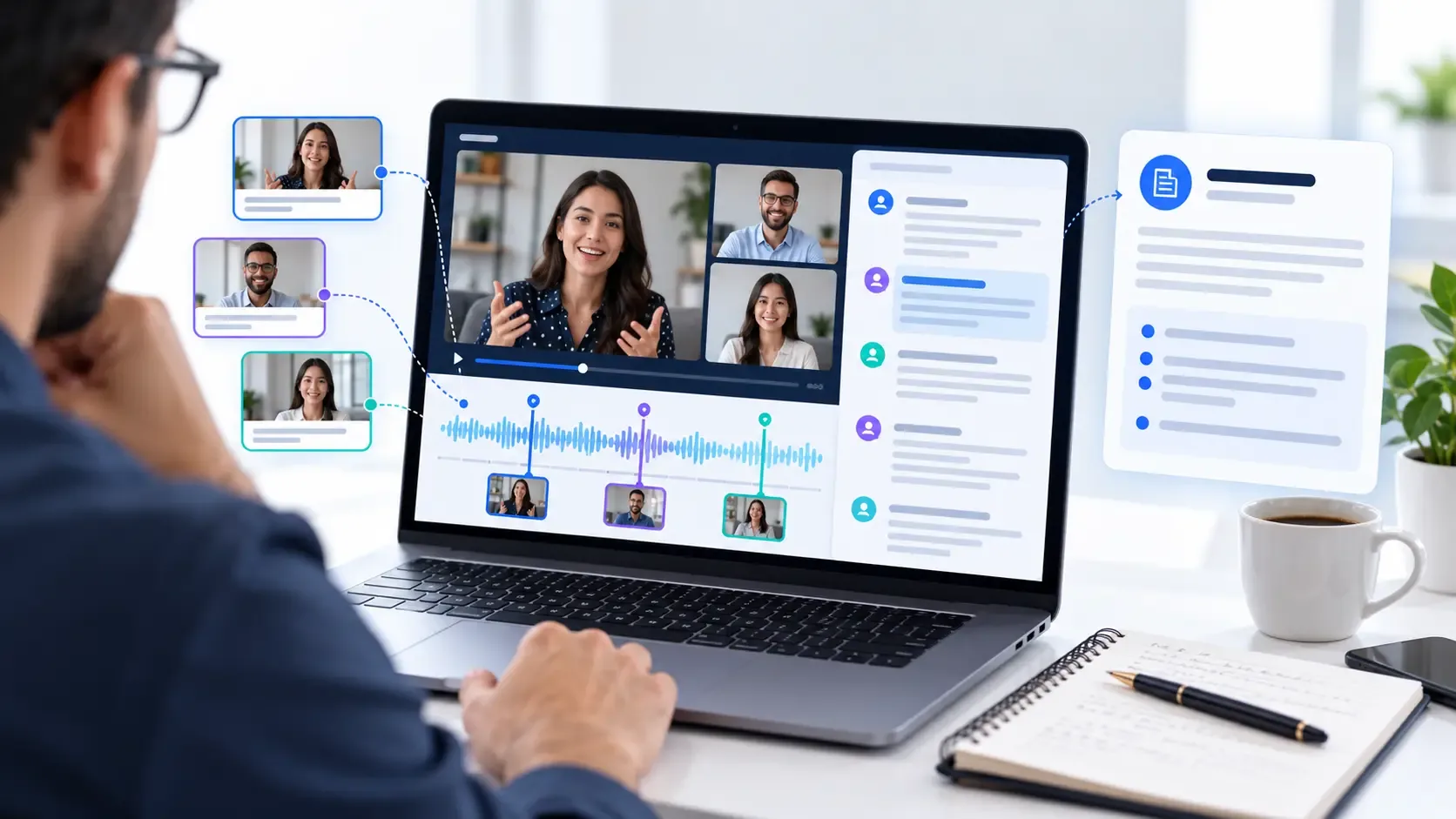
tl;dv is suitable for teams which often record online meetings and who need to go over or share significant moments with their colleagues.
Instead of depending just on written summaries, teams could make use of recording-based workflows which would make it easier to review the important sections of a conversation.
Key Features to Evaluate
- Availability on your preferred meeting platform.
- The ability to record and transcribe meetings.
- AI-generated summaries and highlights.
- The ways in which meeting information can be shared with colleagues.
- Integration with the productivity tools that are supported.
- The limits relating to storage, recording, and collaboration.
Pricing and Free-Plan Considerations
Before you select a plan, make sure you check the present recording limits, the AI features available, the possibility of accessing transcripts, and the integration restrictions. Those teams which have a large number of meetings should especially note the usage limits.
Pros
- Suitable for teams which frequently go over recordings of meetings.
- It is more practical to share some of the highlights than to distribute the full transcript.
- It is possible to set up workflows that allow multiple colleagues access to the meeting information.
Limitations
- The rules regarding plans might have an impact on the procedures involved in holding a large number of meetings.
- Permissions for recording and sharing must be handled with care.
- A complete recording tool provides more features than is necessary for someone who only needs to take short notes.
Ideal for: Groups that need to review, share, and go back to recorded online meetings.
5. Notta: Best for Transcription and Multilingual Workflows
Notta offers AI features for transcription and note-taking in relation to online meetings and recorded conversations; the product information it has published covers speaker identification, summaries produced by AI, and transcription options for the various meeting platforms.
For those who frequently work with recordings or conversations in a number of languages, it might be worth looking at this tool together with other AI meeting transcription tools.
Key Features
- Transcription of the meeting and notes produced by AI.
- Speaker identification.
- The availability of transcription and translation, according to the plan.
- Calendar and productivity integrations.
- Features for the transcription of files and the management of transcripts.
Pricing and Free-Plan Considerations
The free plan provided by Notta includes restrictions on the number of transcription minutes, the length of conversations, the amount of AI summaries, and the number of files that can be uploaded. The paid plans, on the other hand, offer greater usage limits and extra features.
When you have a habit of attending lengthy meetings, make it a point to check the maximum permitted length for each recording and your monthly transcription limit.
Pros
- It supports a number of widely used meeting platforms.
- Suitable for those who need transcripts and summaries.
- Features of translation can be of assistance in situations involving multiple languages.
Limitations
- The limitations associated with the free plan could prove inconvenient when dealing with long meetings.
- If you want advanced integrations or higher usage limits, you'll need to subscribe to a paid plan.
- The accuracy of any transcribed or translated content should be verified.
Ideal for: Those professionals who need transcripts, searchable records, and multilingual meeting procedures.
6. Sembly AI: Best for Structured Meeting Notes and Action Items
Sembly AI is concerned with converting the conversations from meetings into structured documentation, and its available features are transcription, meeting summaries, task extraction, transcript search, and AI-assisted interaction with meeting information.
Such abilities can be of assistance to teams when they need something more detailed than a general summary and wish to arrange the follow-up tasks.
Key Features
- Meeting transcription and summaries.
- Action-item and task extraction.
- Searchable transcripts.
- Calendar synchronization.
- The collaboration and integration features differ according to the plan.
Pricing and Plan Considerations
Sembly AI has various plan levels, each of which provides a different number of allowed meeting hours, along with different integrations, retention options, and collaboration features.
Before you subscribe, please go through the plan details, especially if your team needs a lot of meeting history, automated task extraction, or particular administrative controls.
Pros
- Structured notes can aid teams in organizing the work that needs to be carried out.
- It is useful to have search features when there are a growing number of meeting records.
- Various plans may be suitable for different team sizes and requirements.
Limitations
- It is necessary to carefully review the usage limits and the restrictions of the plan.
- It's possible for automated task extraction to assign the wrong action or fail to identify its owner.
- Before you upload any sensitive information, make sure that you have checked your privacy and retention settings.
Most suitable for: project managers and teams who want the documentation from meetings to be linked to tasks and any follow-up work.
7. Granola: Best for Bot-Free Meeting Note Capture
Unlike meeting assistants that join calls as visible bots, Granola offers device-audio capture, AI-enhanced notes, note templates, and tools for organising meeting information.
This method might be attractive to people who would rather take their notes on their device than include an extra bot member in the meeting.
Key Features
- Meeting notes that have been generated by AI using the audio from the device.
- Custom note templates.
- This depends on the plan for search and AI chat features.
- Desktop and mobile applications.
- The sharing and integration options differ according to the subscription.
Pricing and Free-Plan Considerations
There is a free plan available, but it comes with restrictions regarding meeting history, while the paid plans include extra features. It is advisable to check the details of your current subscription, the billing terms, and the retention limits before making a decision.
Pros
- You do not need a visible meeting bot in order to join the call.
- Templates for notes can be used to produce consistent meeting records.
- Suitable for individuals who wish to arrange their working notes before sharing a refined version.
Limitations
- The audio recording on the device is not necessarily the same as a full meeting recording or transcript.
- Make sure that your operating system, microphone arrangement, and meeting workflow are supported.
- Look at how notes are stored, shared, kept, and used with the plan you have selected.
Ideal for: Those who prefer not to use bots and would like to convert their meeting notes into structured summaries.
How to Choose the Best AI Meeting Note Taker for Your Needs
Just because an AI meeting assistant has a long list of features doesn't mean it is the right choice for you; you should concentrate on the features that address your real problems.
1. Start With Your Meeting Platform
Make sure that the software you use—such as Microsoft Teams, Zoom, or Google Meet—supports the platform and account type that you have.
Certain meeting platforms also include recap and AI features. However, they will be enough provided that your organization is already paying for the appropriate subscription and the features available satisfy your requirements.
2. Decide Whether You Need Transcripts or Summaries
A transcript is useful whenever you need the exact words, are checking a technical point, or want to go over a detailed conversation. A summary, on the other hand, is quicker to read but might omit some of the important context.
If you need both features, make sure that the tool offers transcripts and summaries and that the plan you have selected includes sufficient usage.
3. Check the Quality of Action Items
Find some tools which are able to detect decisions, tasks, owners, and deadlines and then check the results manually.
For example, if someone says, “We should send the report next week,” an AI assistant may recognize that a task exists but fail to identA good workflow involves checking the action items before sharing them with your team.he action items before sharing them with your team.
4. Compare the Full Cost, Not Just the Starting Price
Before paying for a subThe charges are on a per-user basis and there are minimum seat requirements.g.The limits for monthly transcription and AI summaries.ents.
- Monthly transcription and AI-sumThere are limitations regarding export, integration, and collaboration.ExIf the features that you need are contained in the plan that you have selected.atA free plan will be sufficient if you only have occasional meetings, but a paid plan would be better should you require greater usage, team controls, or certain workflow integrations., team controls, or specific workflow integrations.
5. The records of meetings may include customer information, talks between staff members, financial details, and confidential business plans.fiBefore you turn on an AI meeting assistant, you should look over its policies regarding data use, data retention, deletion, access control, and security. Additionally, you need to check your employer’s rules as well as the recording consent requirements that apply in your case.-cThe requirements will differ according to the jurisdiction and the specific circumstances. You must inform the participants if and when you are recording or transcribing, and you should not record any confidential information without having first obtained authorization.inIs it adequate to use free AI meeting note takers?tiThe free plan will be enough for if you only have occasional meetings. But the free versions usually place limits on transcription minutes, the length of meetings, history, AI summaries, or imported files.duBefore using a tool for important meetings, test it out with a non-sensitive meeting or by using a sample recording. Make sure that it correctly identifies:e recording. Check whetSignificant people, personalities, and dates.inThe action items together with their owners.igures, and dates.
- Each action item anDifferences of opinion or uncertainties which should not be treated as final decisions.esEven if the details are not reliable, a longer transcript doesn't always overcome the issue. You might have to use a different tool, obtain better audio quality, or implement a more thorough review process.er audio quality, or a more careful review process.
How to Use AI Meeting Notes Without Losing Important Details
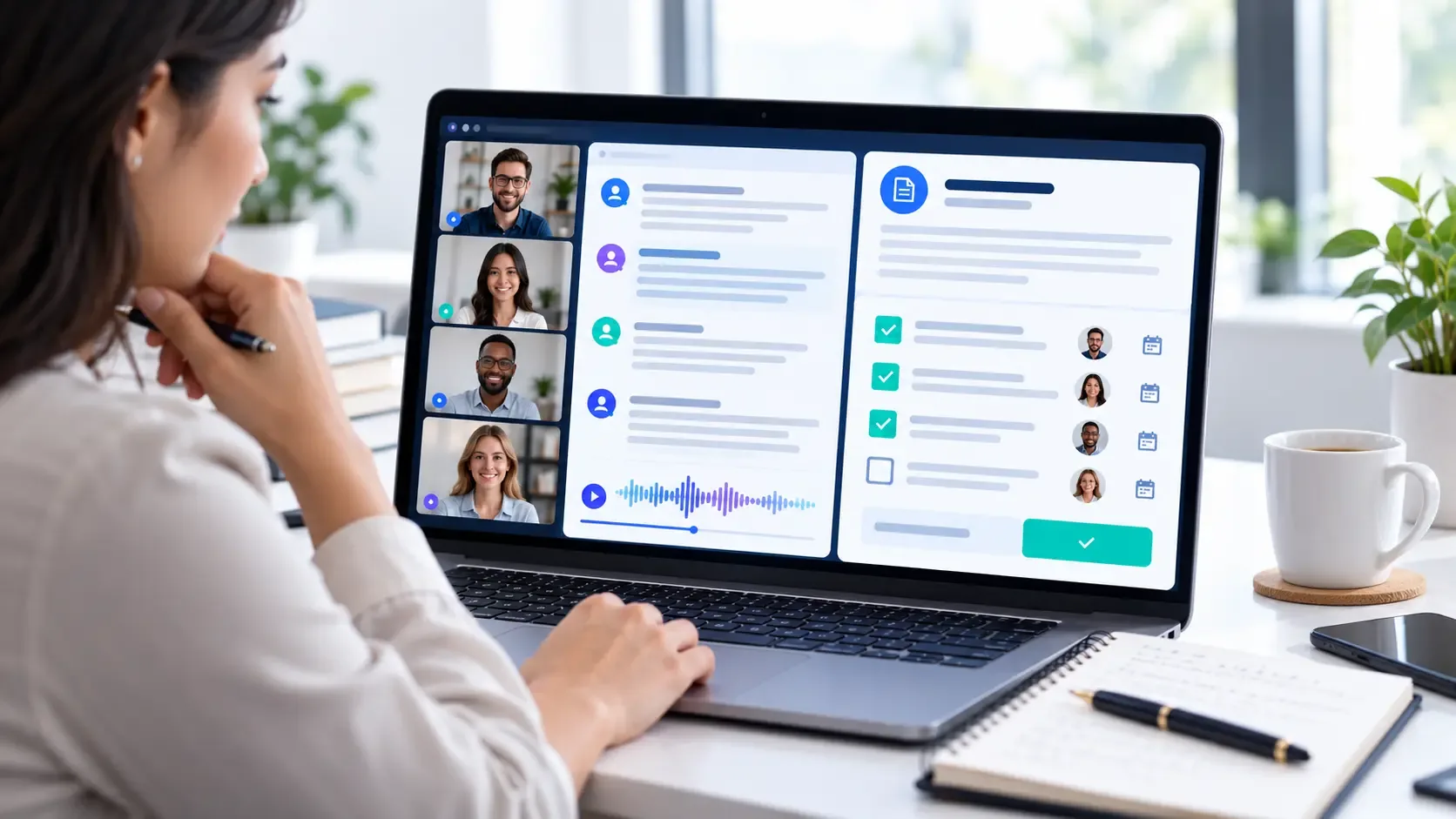
Even the most skilled AI meeting summarizer is capable of making errors. Having a regular review process helps to make the meeting notes more useful and reliable.elps make meeting notes more useful anMake an agenda and decide on the choices that are required. Setting clear objectives for the meeting will enable you to assess whether the final summary includes the main topics.ther the final summary covers the impEnsure that the participants can be heard clearly and that the tool is set up correctly; otherwise, poor audio quality, overlapping speech, and background noise will all lower the accuracy of the transcription.background noise can reduce transcriptioWhen looking at the statements, check them against the transcript or the recording, keeping a special eye on any commitments made, decisions reached, and the technical details given.n to commitments, decisions, and technicMake sure that the dates, budgets, names, the promises, and the technical specifications are correct since small errors might cause confusion if the notes are used as a record of what the team agreed to do.are used as a record of what the Ensure that each task is given to the right person and add any missing deadlines or clarify the responsibilities before passing on the notes. clarify responsibilities before sharing the notAdhere to your organization's access and retention policies and share the meeting notes only with those who need the information.ngThe aim goes beyond the automatic generation of notes; it is to produce an accurate record which enables people to take action on what had been discussed.record that helps people act oWhat AI meeting note-taker is the best?tions
What is the best AI note taker for meetings?
No single tool is best for every user. Otter.ai is worth considering for live transcription, Fireflies.ai for searchable meeting records and workflows, Fathom for meeting recaps, and Granola for bot-free note capture. Compare current plans anIs there available an AI meeting note taker?ific needs.
Are there free AI meeting note takers?
Yes. Otter.ai, Fireflies.ai, Fathom, Notta, and Granola offer free options with different features and usage limits. CheckCan AI-powered meeting assistants be used with Microsoft Teams, Zoom, and Google Meet?s work with Microsoft Teams, Zoom, and Google Meet?
Several AI meeting assistants support these platforms, but compatibility and recording methods vary. Some join as meeting bots, while others use desktop applications, browser extensions, or device audio. Confirm compatShould I believe the meeting notes produced by AI without looking at them yourself?an I trust AI meeting notes without reviewing them?
No. AI-generated notes may omit context, misidentify speakers, or incorrectly summarize a decision. Review important details against the transcript or recoIs it safe to use AI meeting note takers in confidential business meetings?ote takers safe for confidential business meetings?
That depends on the provider, account configuration, subscription, and information involved. Review data-use and retention policies, security controls, access permissions, and your employer’s approved-tool list before recording sensitive discussions.
Do I need to tell participants that an AI tool is taking notes?
Recording and transcription requirements vary by jurisdiction and circumstances. Workplace rules may add further obligations. Check the applicable requirements and your organization’s policies before enabling recording or transcription.
Conclusion
The best AI note takers for meetings help you spend less time writing notes and more time participating in conversations. The right choice depends on whether you prioritize live transcription, searchable meeting history, action items, integrations, multilingual support, or bot-free capture.
Start by identifying your main requirements and selecting two tools that fit your workflow. Compare their current free-plan limits, test their summaries using a non-sensitive meeting, and review their privacy settings before introducing them to a team.
The most useful AI meeting notes are not necessarily the longest or most detailed. They accurately preserve the decisions, responsibilities, and next steps people need to remember.